Photo Compressor Online – Compress Photos Without Losing Quality Free
Large image files can slow down websites, take longer to upload, and consume valuable storage space. A reliable photo compressor helps reduce file size while keeping images clear and visually appealing. Whether you're a blogger, website owner, student, photographer, or business, compressing photos is one of the easiest ways to improve performance without sacrificing quality.
At ToolBucket, you can compress JPG, PNG, and WebP images directly in your browser. The tool is free, secure, and requires no software installation, making image optimization quick and simple.
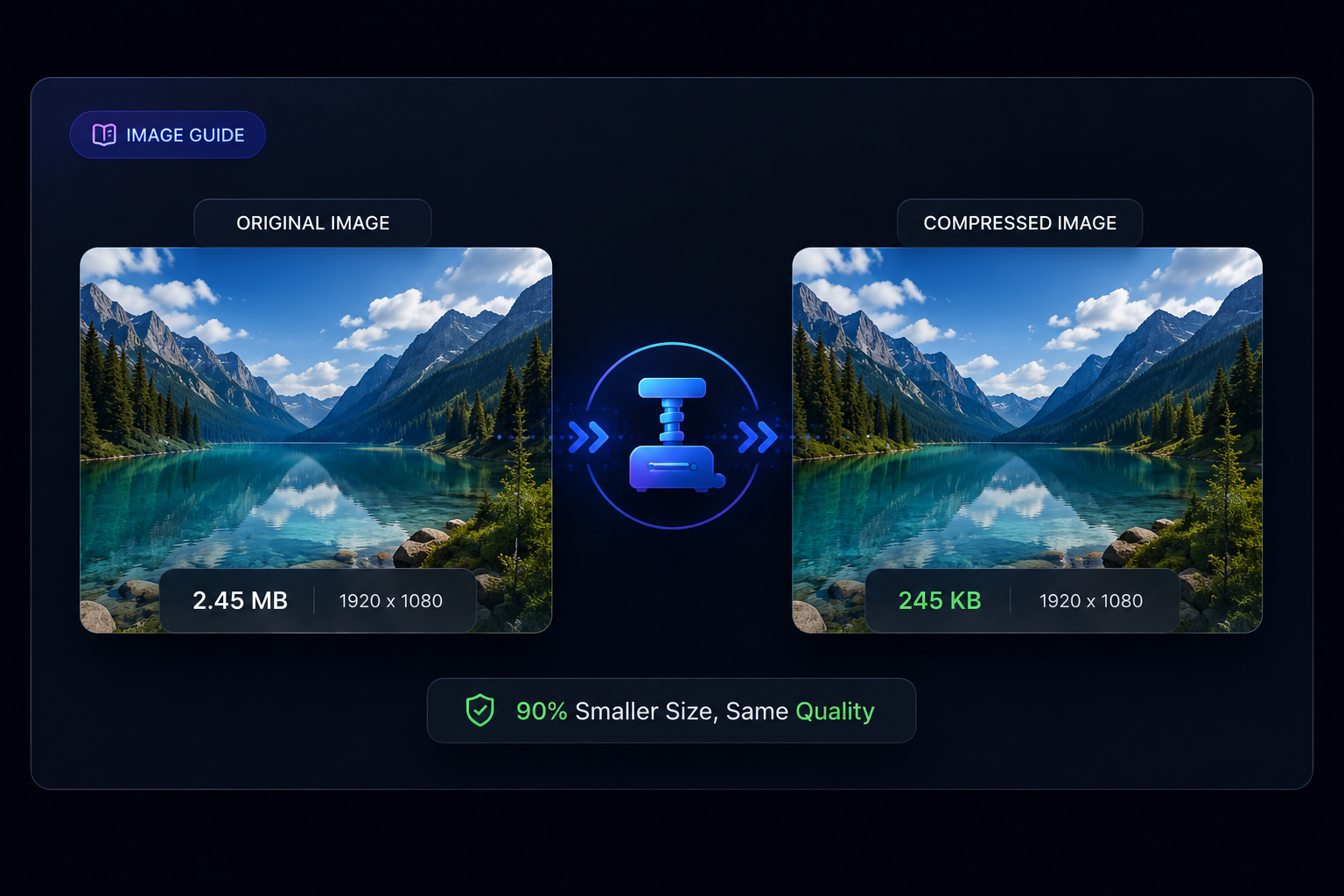
What Is a Photo Compressor?
A photo compressor is a tool that reduces the size of an image file while preserving as much visual quality as possible. Instead of manually editing images in complex software, you can upload a picture, compress it within seconds, and download the optimized version.
Compression removes unnecessary image data and optimizes the file for storage, sharing, and web use. Modern compression techniques ensure that photos remain sharp while significantly reducing file size.
- Reduce image file size.
- Improve website loading speed.
- Upload photos faster.
- Save device storage.
- Share images more easily.
Why Compress Photos?
Compressing images provides several important benefits for both personal and professional users. Smaller files improve efficiency without noticeably affecting image quality.
Faster Website Loading
Large photos are one of the biggest reasons websites load slowly. Optimized images reduce page weight, helping visitors access content much faster. Faster websites also create a better browsing experience.
Better SEO Performance
Search engines value fast-loading pages. While image compression alone will not guarantee higher rankings, reducing image size contributes to better Core Web Vitals and overall website performance.
Save Storage Space
Whether you store images on your computer, phone, or cloud storage, compressed files require less space, allowing you to manage more photos without increasing storage costs.
Faster Uploads
Smaller image files upload much faster to websites, social media platforms, online forms, and email. This is especially useful when working with slower internet connections.
How ToolBucket Helps You Compress Photos
ToolBucket provides a simple and secure image optimization experience. Instead of downloading heavy software, you can compress your photos directly inside your browser in just a few clicks.
- Select your image.
- Choose the compression level.
- Preview the optimized result.
- Download the compressed image instantly.
Since everything is designed to be fast and user-friendly, beginners and professionals can optimize images without technical knowledge.
Supported Image Formats
Different projects require different image formats. ToolBucket supports the most popular formats used across websites, mobile apps, and digital platforms.
| Format | Best For |
|---|---|
| JPG / JPEG | Photography and blogs |
| PNG | Transparent graphics and logos |
| WebP | Modern websites with smaller file sizes |
Choosing the correct format along with proper compression can significantly improve both loading speed and image quality.
Related Tool
Need to reduce image size instantly? Try our Image Compressor Tool for fast and secure compression.
Who Should Use a Photo Compressor?
A photo compressor is useful for anyone who works with digital images. Whether you're managing a website, sharing photos online, or saving storage space, reducing image size makes everyday tasks easier.
Bloggers & Content Creators
Bloggers upload images regularly. Compressing photos before publishing helps pages load faster, improves user experience, and reduces bandwidth usage.
Website Owners
Optimized images help websites perform better. Faster loading pages keep visitors engaged and reduce bounce rates.
Students
Many online portals limit upload size. Compressing photos makes it easier to submit assignments, documents, and project files.
Businesses
E-commerce stores, agencies, and companies can optimize product images, banners, and marketing materials without noticeable quality loss.
Photographers
Photographers often need smaller versions of their work for clients, previews, and social media. Compression helps without requiring complex editing software.
Benefits of Using ToolBucket
There are many online image tools available, but ToolBucket focuses on speed, simplicity, and privacy. The interface is clean, easy to use, and works on both desktop and mobile devices.
- 100% Free to use
- No registration required
- Fast compression in seconds
- Supports JPG, PNG, and WebP
- Secure browser-based processing
- Works on Windows, Mac, Android, and iPhone
- Simple interface for beginners
Whether you need to compress one image or multiple photos, ToolBucket provides a reliable solution for everyday use.
Best Practices for Compressing Photos
Following a few simple practices can help you achieve the best balance between image quality and file size.
Compress Before Uploading
Always optimize images before uploading them to your website or social media platform.
Choose the Right Format
JPG works well for photographs, PNG is ideal for transparent graphics, and WebP usually provides the smallest file sizes while maintaining excellent quality.
Avoid Multiple Compression
Compressing the same image repeatedly may reduce visual quality. Keep an original copy whenever possible.
Resize Large Images
If a photo is much larger than required, resize it first and then compress it for even better results.
Common Mistakes to Avoid
Many users accidentally reduce image quality more than necessary. Avoid these common mistakes:
- Using maximum compression for every image.
- Uploading huge camera photos without optimization.
- Choosing the wrong image format.
- Compressing already compressed images repeatedly.
- Ignoring image dimensions before uploading.
Why Image Optimization Matters for SEO
Search engines prefer websites that load quickly and provide a good user experience. Optimized images reduce loading time, lower bandwidth usage, and improve mobile performance.
Although image compression alone cannot guarantee higher rankings, it is an important part of technical SEO. Combining optimized images with quality content, proper headings, and internal links creates a stronger website.
Explore More Free Image Tools
Looking for more ways to optimize your images? Check out these free tools available on ToolBucket:
Frequently Asked Questions
1. Is ToolBucket Photo Compressor free to use?
Yes. ToolBucket offers a completely free photo compression tool that works directly in your browser. You don't need to create an account or install any software.
2. Will compressing my photos reduce image quality?
A good compression tool minimizes quality loss while significantly reducing file size. In most cases, the difference is barely noticeable.
3. Which image formats are supported?
ToolBucket supports popular image formats including JPG, JPEG, PNG, and WebP.
4. Is it safe to compress photos online?
Yes. ToolBucket is designed with privacy in mind, allowing you to optimize images securely and efficiently.
5. Can I use the tool on my phone?
Absolutely. The photo compressor works on Android phones, iPhones, tablets, laptops, and desktop computers.
6. Why should I compress images before uploading them?
Smaller images load faster, improve website performance, save storage space, and are easier to share through email or social media.
Compress Your Photos in Seconds
Reduce image size without losing quality using ToolBucket's free online Photo Compressor.
Try Photo CompressorFinal Thoughts
Optimizing images is one of the simplest ways to improve website performance and create a better experience for your visitors. Smaller image files load faster, consume less storage, and make sharing much easier without noticeably affecting quality.
Whether you're a blogger, student, designer, business owner, or photographer, using a reliable image optimization tool can save both time and bandwidth.
ToolBucket makes image optimization fast, secure, and beginner-friendly. If you're looking for an easy way to reduce photo size while keeping your images clear, give our free tools a try and explore our growing collection of image utilities and guides.